
The local-first AI agent
for design work.
Moos AI turns local project folders, an infinite canvas, and a built-in assistant into one design workstation. Read local files, organize references, run image and video generation, and keep outputs in your own workspace.
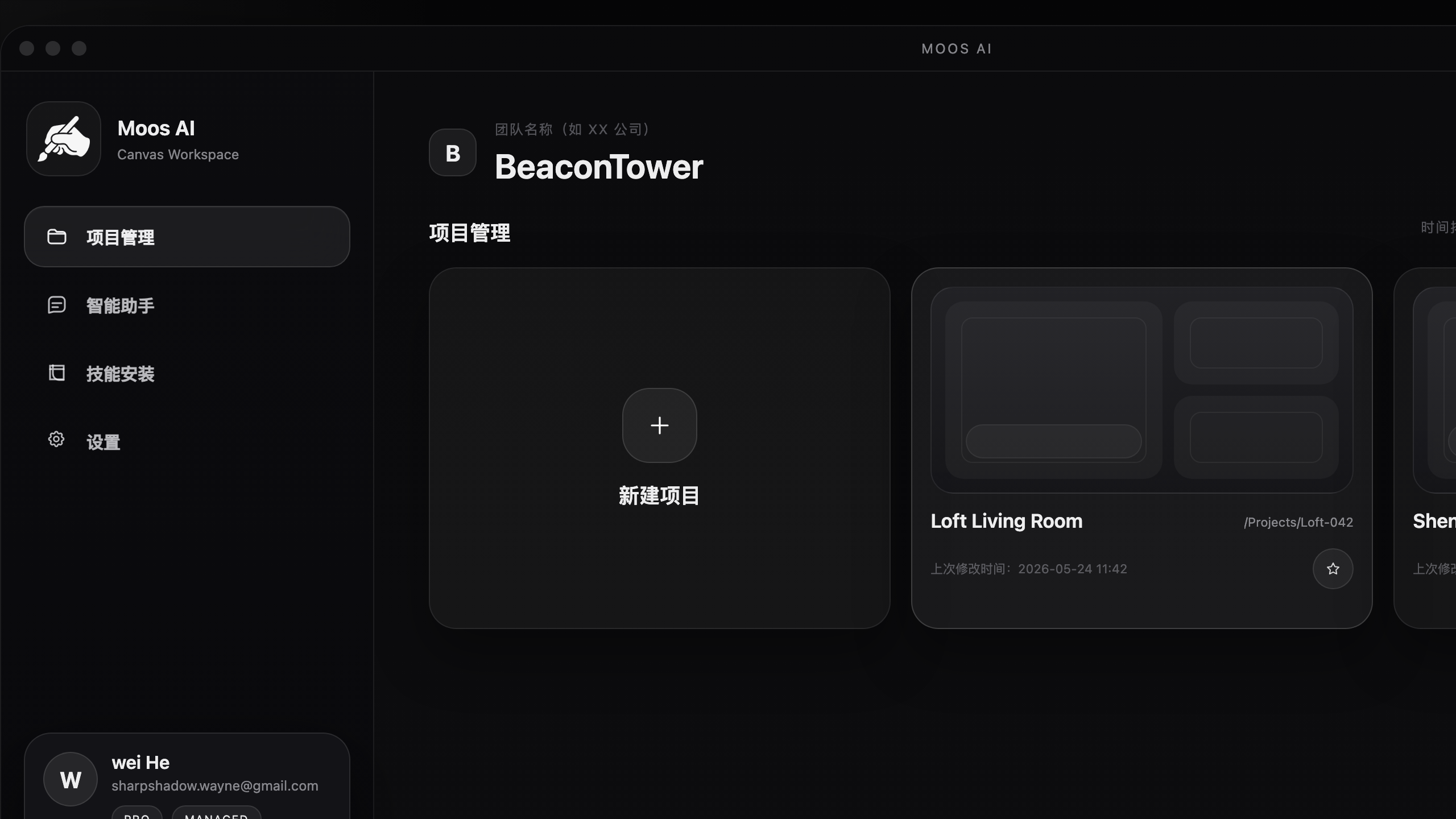
One workspace for the whole design loop.
Moos AI is not a single-purpose image tool. It is a desktop AI workstation where project assets, structured canvas flows, and assistant execution stay connected.
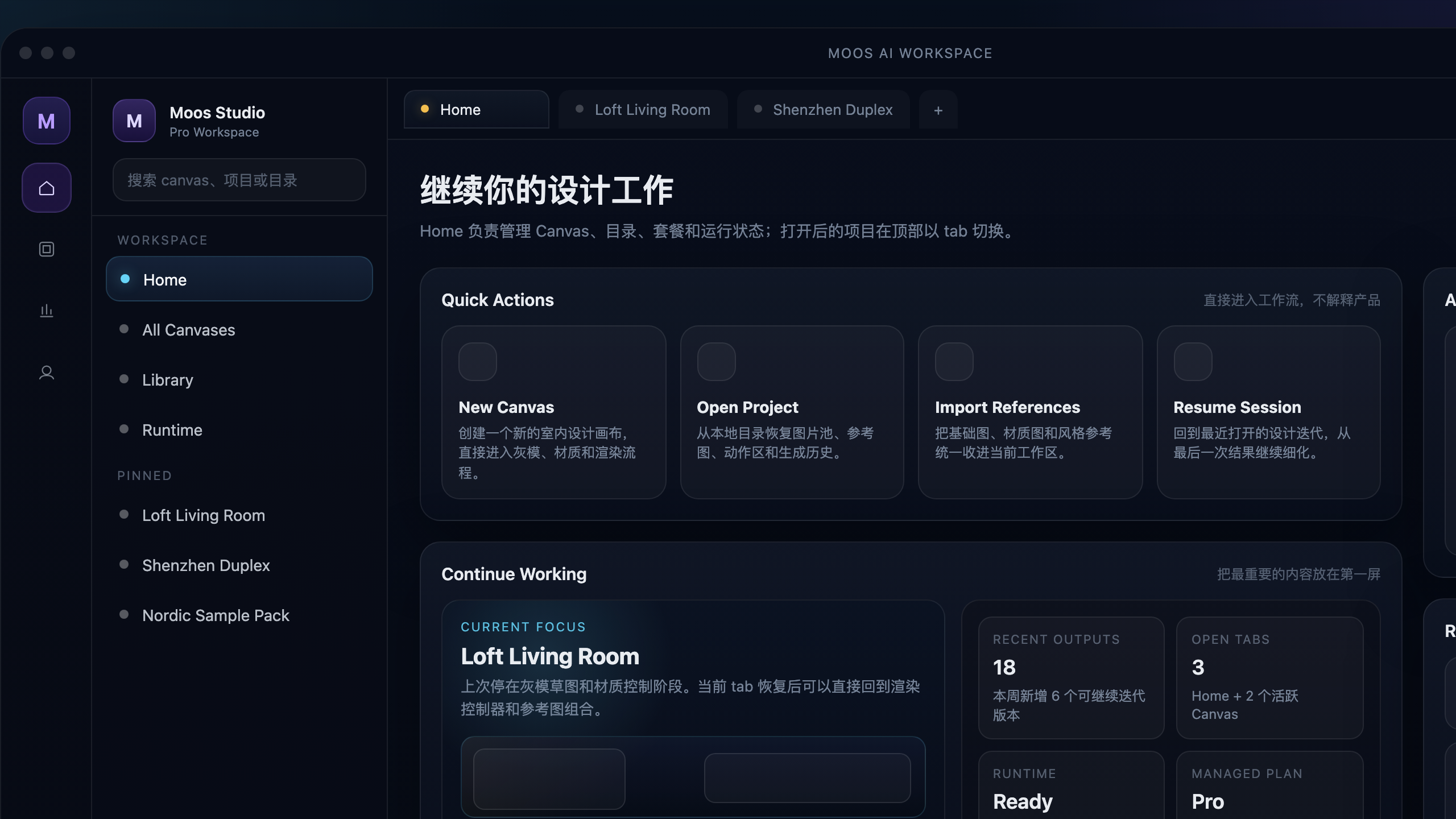
Built for design production, not just prompts.
Project-native workflows
Use the canvas to compare references, chain generation steps, and keep design reasoning visible instead of scattered across chat history.
A stronger desktop agent
Moos AI integrates a Codex CLI runtime path for deeper assistant work, not just lightweight Q&A inside a browser shell.
Local tools and task skills
Read PDFs, inspect local files, edit spreadsheets, and expand the assistant with installable skills designed for desktop execution.
Team canvas access
Cross-account project sharing and team canvas collaboration are in development for studio and enterprise workflows.
Moos AI is not trying to replace your project structure. It works inside it.
Most AI design tools behave like websites with uploads and sessions. Moos AI is closer to a local workstation: project folders remain the operating base, the canvas becomes the active workflow layer, and the assistant works with that structure instead of bypassing it.
Simple membership, wallet-based usage.
Moos AI uses annual membership plus wallet credits for LLM, image, and video usage. Credits do not expire. Pro and Enterprise unlock better pricing and team capabilities.
Moos AI is built as a desktop workstation first.
Download the app, open a local project, and work from the same folders your team already uses.